How to play your old cartridges on a modern TV without hating it
Plugging a 30-year-old console into a 4K TV usually looks awful and feels laggy. A few choices fix most of it.
This story has affiliate links. If you buy through them, Radazoid may earn a commission at no cost to you. How that works.
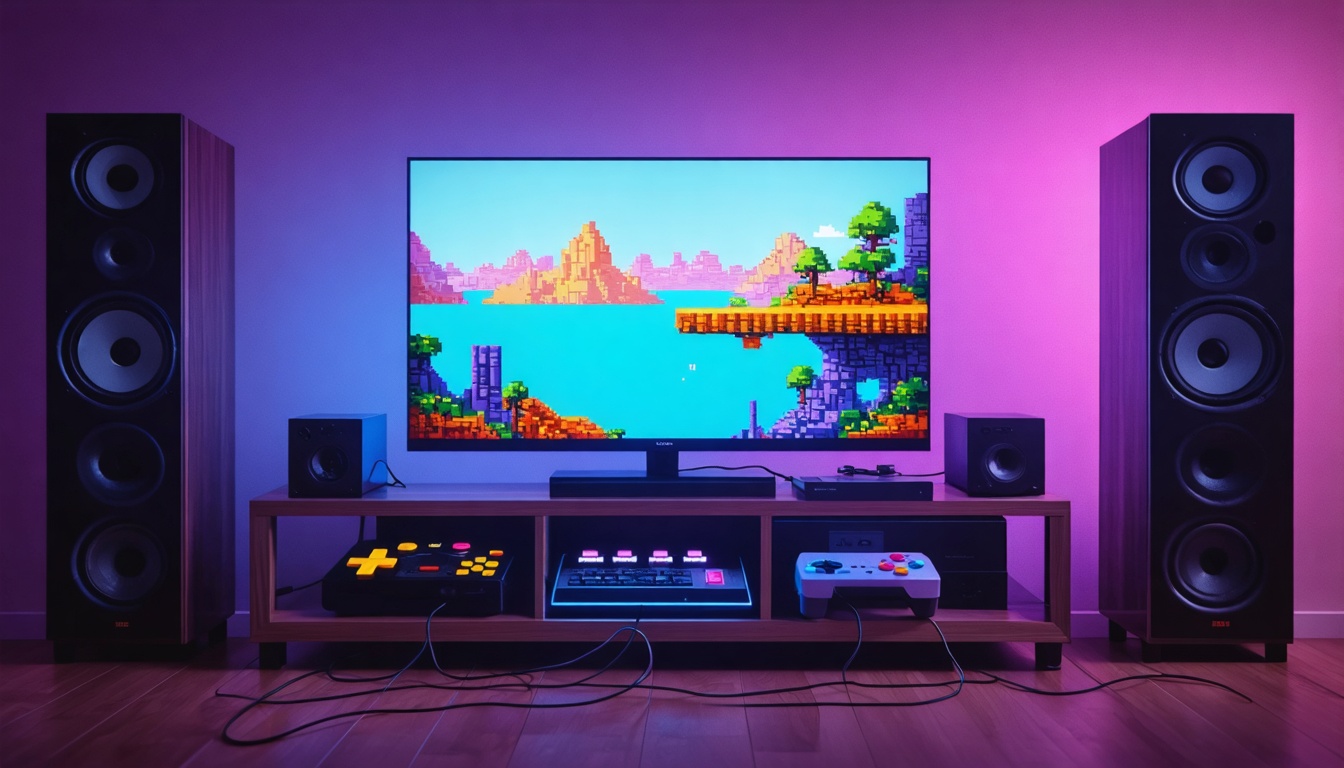
You dug the old console out of the closet, found an adapter, plugged it into the big TV and it looks like someone smeared Vaseline on the screen. The controls feel late, too. You're not imagining either problem.
Why it looks bad
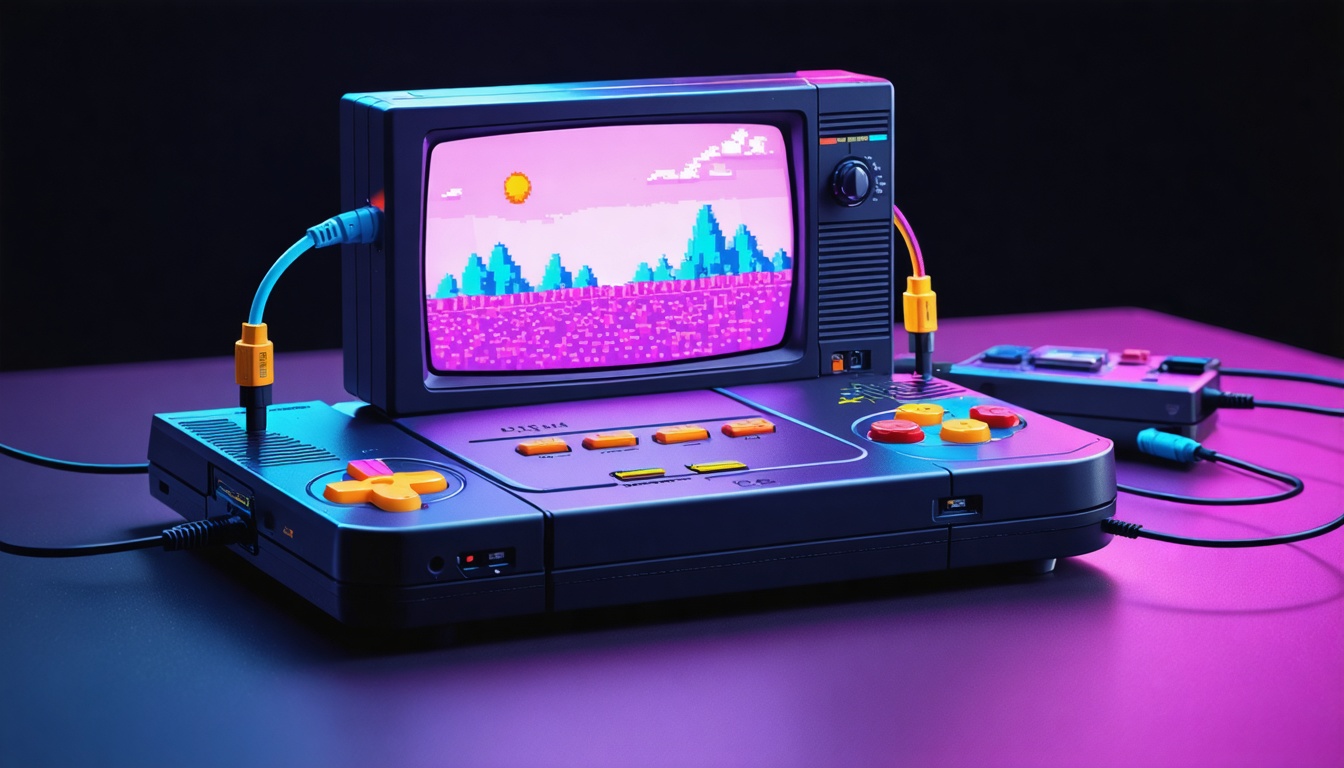
Old consoles output a low-resolution analog signal built for tube TVs. A modern TV has to convert and stretch that signal many times over, and most TVs do it poorly. The result is blur, shimmer and colors that look washed out.
Why it feels laggy
All that processing takes time. Every millisecond a TV spends cleaning up the image is a millisecond between pressing jump and seeing Mario jump. Turn on the TV's game mode, which skips most of the processing, before you do anything else.
Your options
- Game mode plus the best cable your console supports. Free, and better than nothing. S-Video or component beats the yellow composite plug, and anything beats an RF switch box.
- A dedicated retro upscaler. These boxes convert the old signal to clean HDMI with very little delay. They cost real money but make the biggest difference. Browse retro upscalers on Amazon.
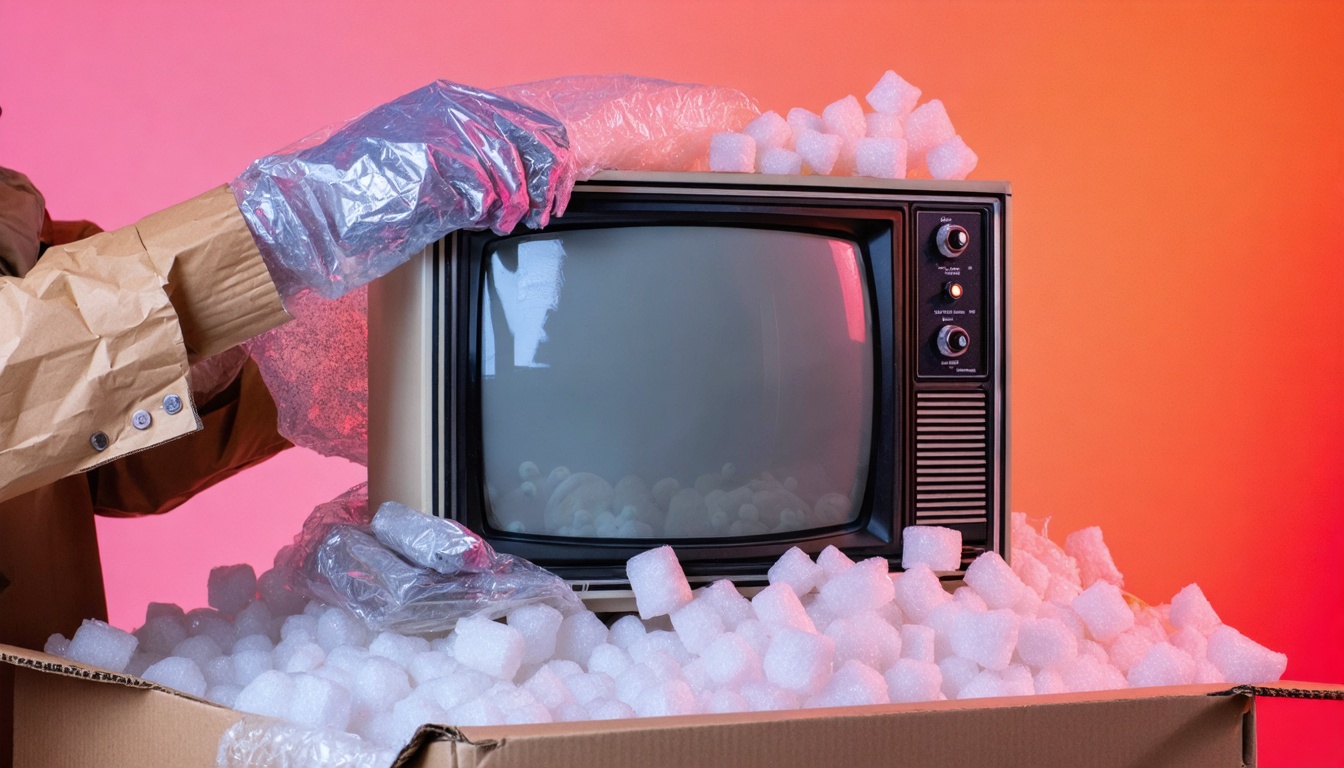
- A CRT. Old tube TVs show these games exactly as designed, with no lag. People give them away constantly. The catch is weight and space.
Avoid the very cheap composite-to-HDMI converter dongles. Most add lag and soften the picture, which are the two problems you were trying to fix.