How to set up one man-cave TV for Sunday football and Saturday Zelda
Sports and games want opposite things from your TV, so the trick is giving each one its own settings.
This story has affiliate links. If you buy through them, Radazoid may earn a commission at no cost to you. How that works.
Here's the problem with a single TV doing double duty. Sports look best when the TV processes the picture to keep fast motion smooth. Games feel best when the TV does as little processing as possible, because every bit of processing adds delay between your thumb and the screen. Same TV, opposite needs.
The good news: most modern TVs let you save different settings for different inputs. Set them up once and forget it.
Step one: give everything its own input
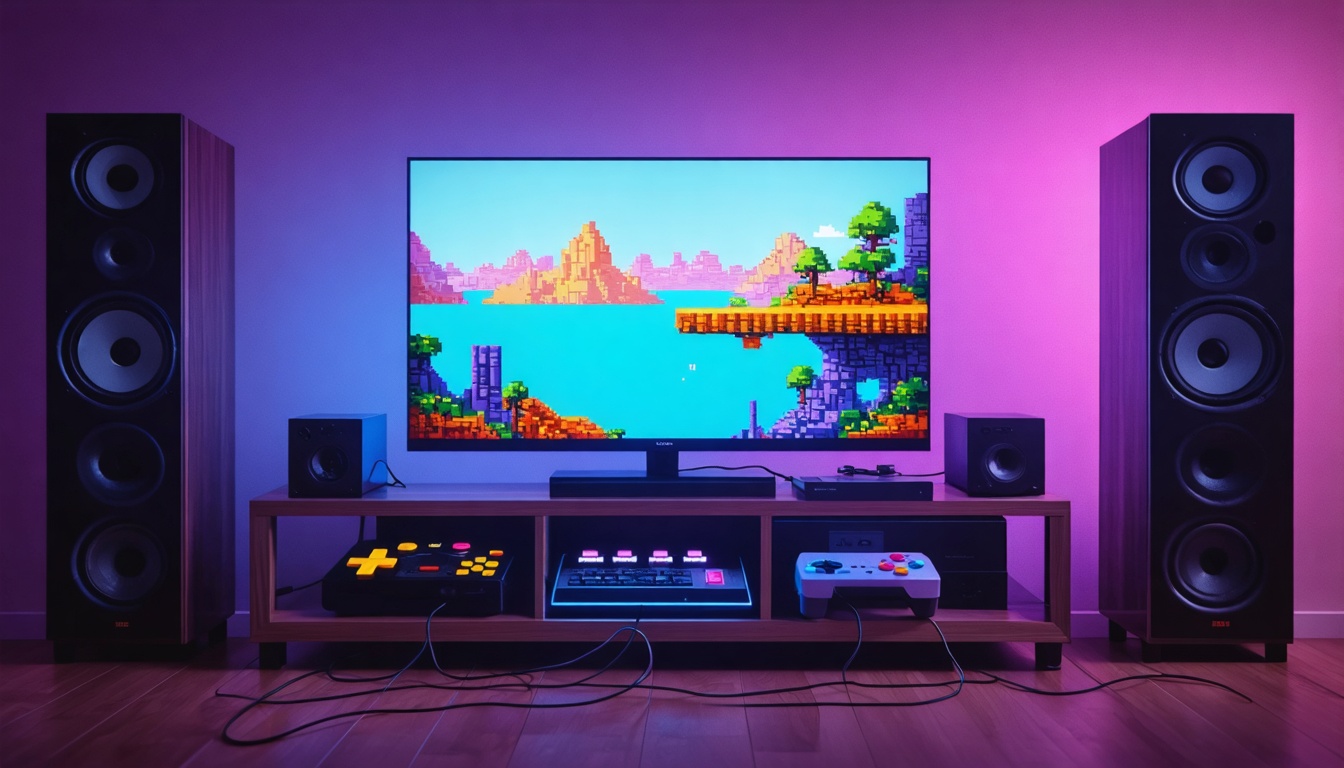
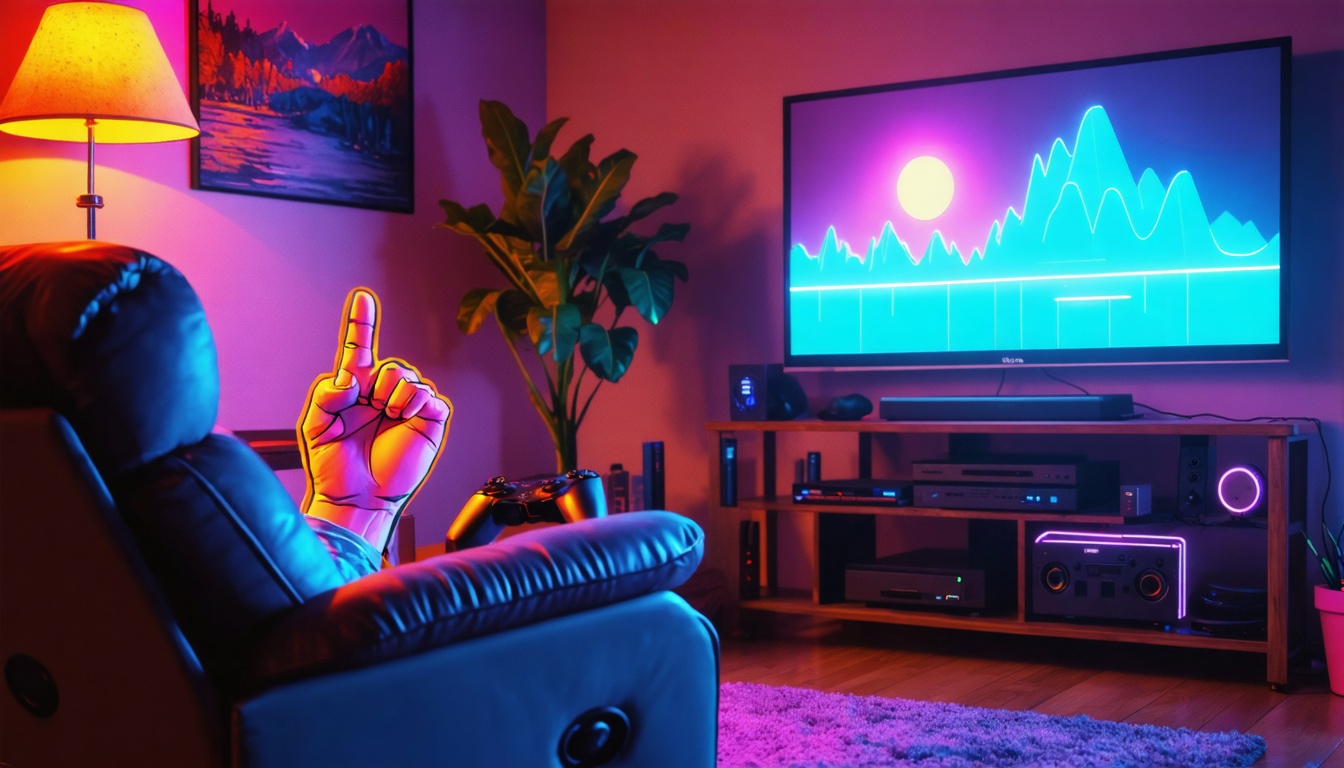
Put your cable box or streaming stick on one HDMI port, your modern console on another, and your retro setup (a scaler, a mini console, or an HDMI-ready retro machine) on a third. Many TVs remember picture settings per input, so this separation is what lets each device keep its own look.
Step two: game mode for the game inputs
On every gaming input, switch on Game Mode or the equivalent. It cuts most of the TV's processing and lowers input lag. Many newer TVs and consoles also support auto low latency mode (often listed as ALLM), which flips the TV into game mode on its own when a game starts. Check your TV menu for it.
While you're there, turn off motion smoothing, noise reduction and sharpness boosts on the gaming inputs. They add lag, and on pixel art they can make edges look weird.
Step three: a sports-friendly mode for the TV input
On your cable or streaming input, motion smoothing is a matter of taste. Some people like it for fast camera pans in football and hockey. Others hate the slick, too-smooth look. Many TVs offer a low setting that's a decent middle ground. Try it during a game and trust your eyes. Turn off overly blue "Vivid" or store-demo modes; a Standard or Calibrated mode usually looks more natural.
Step four: think about the room
- Light. Basements are often dim, which helps. If you have windows, a brighter TV fights glare better during day games.
- Seating distance. Bigger is fun, but if the couch is close, you'll be turning your head to follow the ball.
- Height. Mounting the TV too high, like over a fireplace, is a classic neck-ache mistake. Eye level when seated is the goal.
Step five: sound and switching
TV speakers are usually weak. A soundbar makes the crowd noise and the chiptunes both better. If you run out of HDMI ports, an HDMI switch can add more, though it's worth checking that a switch passes through the features your modern console uses.
A note on old consoles
Original consoles with analog outputs won't look their best plugged straight into a modern TV. That's a separate project involving scalers and better cables. If you go down that road, the input separation you just set up will make life easier, because that box can get its own picture settings too.
Do this once, write the settings on a sticky note inside the cabinet door, and the TV will be ready whether it's kickoff or boss fight.